Πώς να: Ρυθμίστε το CS-Cart με Amazon Checkout
Checkout by Amazon has been discontinued and can no longer be used.
- In the Administration panel, go to Administration → Payment methods.
- Click the + button on the right.
- In the opened window:
- In the Name field type Amazon checkout.
- In the Processor select box select Amazon checkout.
- If necessary, specify other fields and upload an icon.
- Open the Configure tab in the same window to view the Amazon checkout settings section.
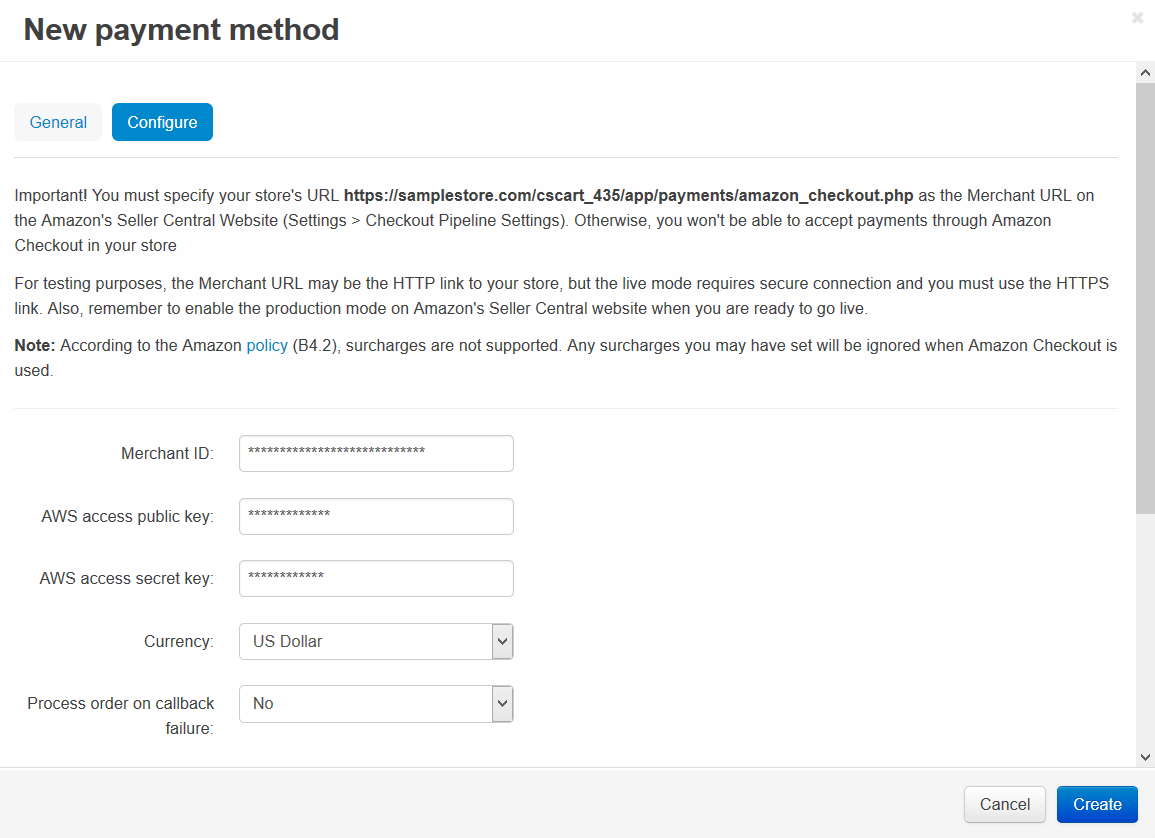
- Follow the instruction at the top of the page.
Please set the Merchant URL parameter at Seller central (Seller central → Settings → Checkout Pipeline Settings) to https://www.your_domain.com/app/payments/amazon/amazon_callback.php, where www.your_domain.com is the address of your store.
- Fill in the following fields:
- Merchant ID — your merchant identifier.
- AWS access public key — your AWS (Amazon Web Services) public key.
- AWS access secret key — your AWS secret key.
- Currency — the currency in your Amazon account.
- Process order on callback failure — select Yes if you want to process the order even if the callback failed.
- Test/Live mode — select Live. In order to use the Test mode, you need to create the test account at Amazon.
- Amazon button style — select the style of the Amazon Checkout button that will be displayed on your storefront page.
- Click the Create button to save the changes.
Also, there must be PHP's Curl support on your server (you are able to read more about it here).